Support Center & System Status
A dedicated team stands behind every deployment, and our engineers follow up fast. Get help, check system status, and access comprehensive documentation.
Built-In Recovery and Support Access
Three features on the appliance help you get back up fast when something breaks. You stay in control of each one.
Quick-restore boot entry
If an appliance dies, boot the install ISO and pick the quick-restore entry. It finds the newest saved appliance state on a USB stick, a second disk, or your ZFS pool. It then reinstalls and puts back the database, settings, jobs and policies. It will not guess between two disks, and it shows a countdown before it wipes anything. It restores the appliance itself, not your backup data. Use bare-metal restore for full machines.
Support access you control
Takelan support requests a session. An owner or admin of your organization must approve it. A session lasts 60 minutes by default and at most 4 hours, and an unanswered request stays open up to 24 hours. It covers one device and is audited. You can ban support access.
5-day appliance state vault
The cloud keeps the last five days of each appliance's own state. That means its database and settings, never your customer data. It uploads before updates and once a day. Copies that match are stored once, and each device has a size limit. You can see and download them in the cloud console.
For tickets, email support@shadowcradle.com or use the form on this page.
Need Help?
Can't find what you're looking for? Contact our support team or schedule a consultation with our engineers.
Submit a Support Request
Fill out the form below and we'll get back to you as soon as possible.
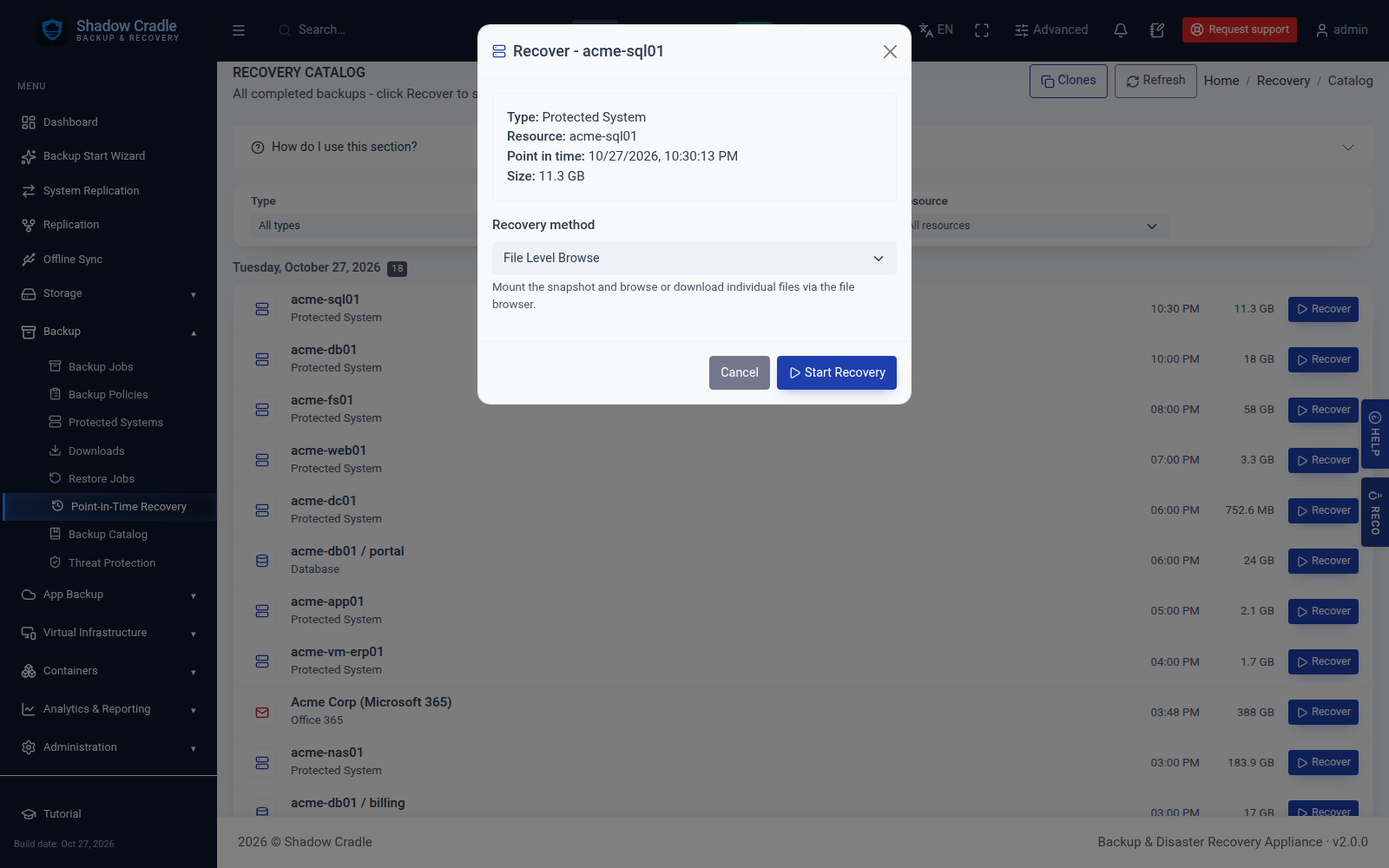
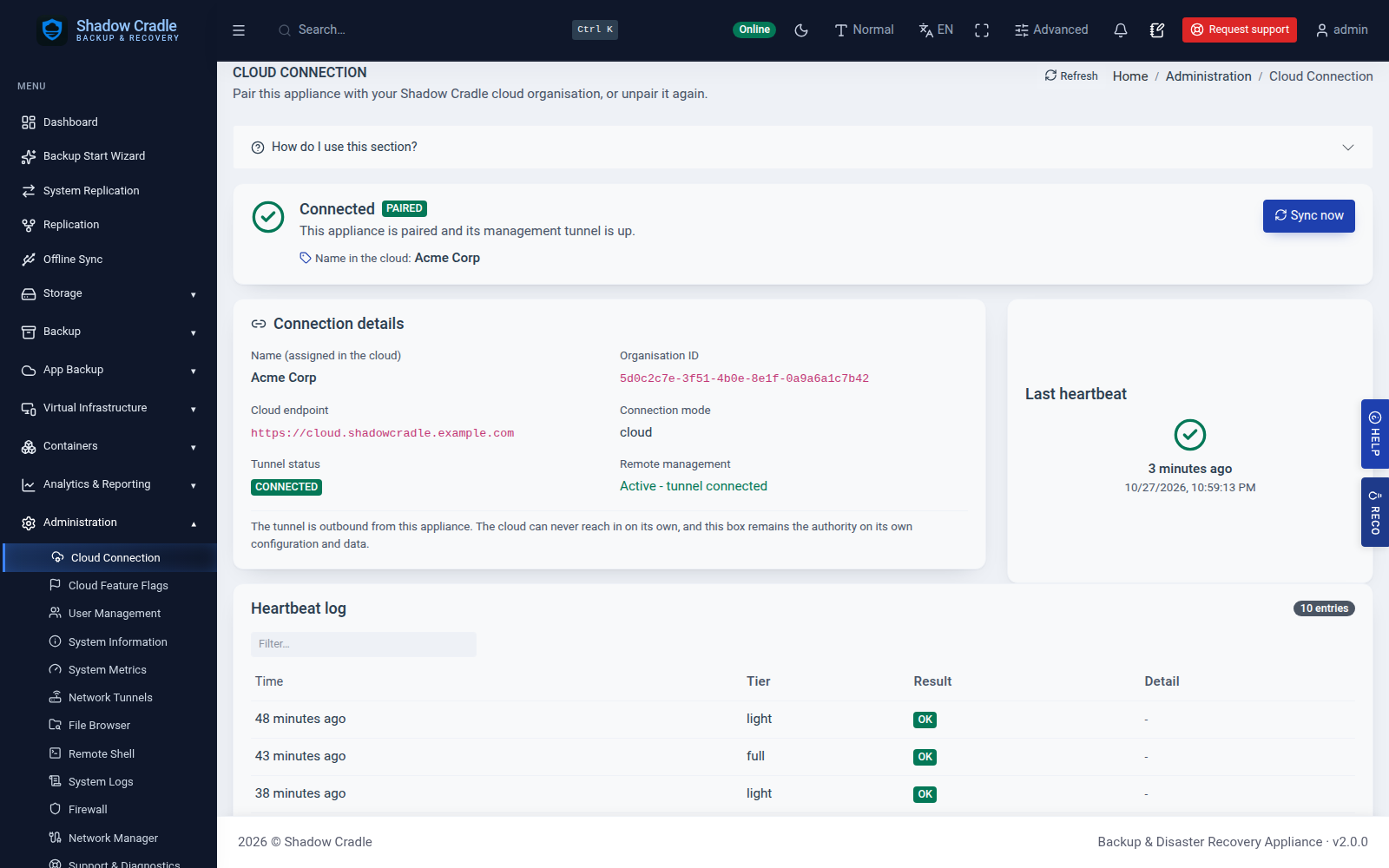
Inside the Appliance
Screens from the live demo with sample data.